
Warehouse labeling fails in three places: the label does not survive the journey, the printer cannot keep up with dispatch, or the scan point sits where the operator cannot reach it. This page covers the printer, label, scanner and software combinations MAISUI supplies for logistics and warehousing operations.
Where labels and scans happen
- Goods-in. Inbound cartons checked against a purchase order, often with a handheld scanner and a printed receiving label.
- Put-away and storage. Location labels, rack labels and pallet labels that have to stay legible for years in a dusty or cold environment.
- Picking. Pick labels, carton content labels, and scan confirmation at the pick face – the highest scan frequency in most warehouses.
- Packing and dispatch. Carrier-compliant shipping labels, SSCC pallet labels and manifest documents produced at high volume in a short window.
- Returns. Return labels and inspection tags, usually on desktop printers close to the returns desk.
What the label has to survive
| Condition | Pressure on the label | Typical direction |
|---|---|---|
| Handling and stacking | Edges tear, print scuffs | Synthetic face stock with wax-resin or resin ribbon |
| Outdoor and yard | Rain, UV, temperature swings | Outdoor-rated synthetic label and resin ribbon |
| Cold storage | Adhesive failure on frozen cartons | Cold-temperature adhesive, tested on the real surface |
| High scan frequency | Slow decode, misreads at the dock | Scanner depth of field matched to the working distance |
| Carrier rules | Label size, symbology, quiet zone | Template validated against the carrier specification |
Matching equipment to the job
- Industrial label printers where dispatch volume is high and the printer runs most of the shift – the Q420 / Q430 / Q460 range is built for this duty.
- Desktop printers at packing benches, returns desks and small depots – the JT452 / JT453 / JT456 series.
- Wireless handheld scanners for picking routes, stocktaking and yard work, where a cable is a liability – for example the MS-9519SR.
- Fixed-mount scanners on conveyors and sorting lines, where the parcel passes the scanner rather than the operator passing the parcel – such as the MS-G9.
- Rugged tablets and mobile data terminals where the operator needs the application, not just the scan – the EM-T86X tablet and EM-X32 notebook and the HPRT M2 / M4 terminals.
- RFID where pallet-level reading replaces item-level scanning – the RF1 UHF RFID sled attached to an existing handheld.
Consumables decide the result
A shipping label that peels at the edge jams the sorter; a label that scuffs loses the barcode before the parcel reaches the hub. Wax-resin on a coated paper label covers most indoor carton work. Synthetic face stock with resin ribbon is the safer choice for outdoor yard labels, frozen surfaces and any label that has to survive more than one handling cycle. The ribbon width should match the label, not the printer’s maximum, to avoid waste on every roll.
Common mistakes
- Buying a desktop printer for a dispatch desk that prints more than a few hundred labels a day, then replacing it within a year.
- Choosing a scanner by price and discovering the depth of field does not reach the top shelf of the rack.
- Printing carrier labels on a template that was fine locally but does not match the carrier’s current specification.
- Mixing label batches from different suppliers in the same printer, which changes the darkness setting and the barcode grade.
How a project runs
- Map the scan points. Dock, rack face, pick cart, packing bench, dispatch – each has a different working distance and environment.
- Agree the label specification. Size, material, adhesive and barcode content, including any carrier or customer rule.
- Size the printer to the peak. Labels per hour at the busiest window, not the monthly average.
- Pilot one lane. Run one dock or one pick zone for two weeks before rolling out, so the label and scanner settings are proven on real traffic.
Additional decision factors
Sizing the printer to the dispatch window
Dispatch is a peak problem. A site that prints 600 labels a day may print 250 of them in a 40-minute window when the carrier arrives, and that window decides whether the printer is adequate. Size by labels per hour at the busiest period, then check the printer’s rated print speed against the label length rather than trusting a headline number: a printer rated at 10 inches per second produces a different number of 6-inch shipping labels than of 4-inch carton labels.
Practical rules we apply in sizing: keep the dispatch bench below roughly 70 percent of the printer’s rated throughput so a stalled print job does not become a missed truck; use a second desktop printer rather than one high-speed industrial printer where the two dispatch points are far apart; and keep one spare printer configured with the same label template, because a printer failure at dispatch stops the whole dock.
Yard, cross-dock and returns
Three areas are routinely under-specified. Yard labels sit outdoors for days or weeks, so the face stock and ribbon have to be chosen for rain and UV rather than for indoor contrast. Cross-docking removes the put-away step, which means the label applied at goods-in is the label the customer reads – there is no second chance to reprint it. Returns are a different label grade entirely: the package has often travelled, been opened and been handled, so the return label needs a synthetic stock and a scanner that reads a partly damaged barcode.
Where the volume justifies it, RFID at pallet level removes the line-of-sight requirement and speeds up yard checks; where it does not, a fixed-mount scanner on the dispatch lane gives most of the throughput benefit for a fraction of the cost. We size both options against your own receiving and dispatch numbers before recommending either.
FAQ
Do you supply labels and ribbons as well as printers?
Yes. Thermal transfer labels in paper, synthetic and security constructions, and wax, wax-resin and resin ribbons. Matching the three together is the point – a printer sized correctly but fed the wrong ribbon still produces labels that fail in the field.
Can you help with a WMS or ERP integration?
MAISUI also supplies WMS and ERP software, so the label data can come directly from the warehouse system rather than being re-keyed. See the WMS warehouse management page for scope.
How many scanners does a typical warehouse need?
It follows the process, not the floor area: one per pick route, one per dock, plus spares for shift change and battery rotation. We size it with you from the pick and receiving volumes.
Can we start with one printer and expand later?
Yes, and it is the usual path. The important part is to standardise the label template and the ribbon grade at the start, so later printers produce labels that read the same across the whole site.
Insights for this industry
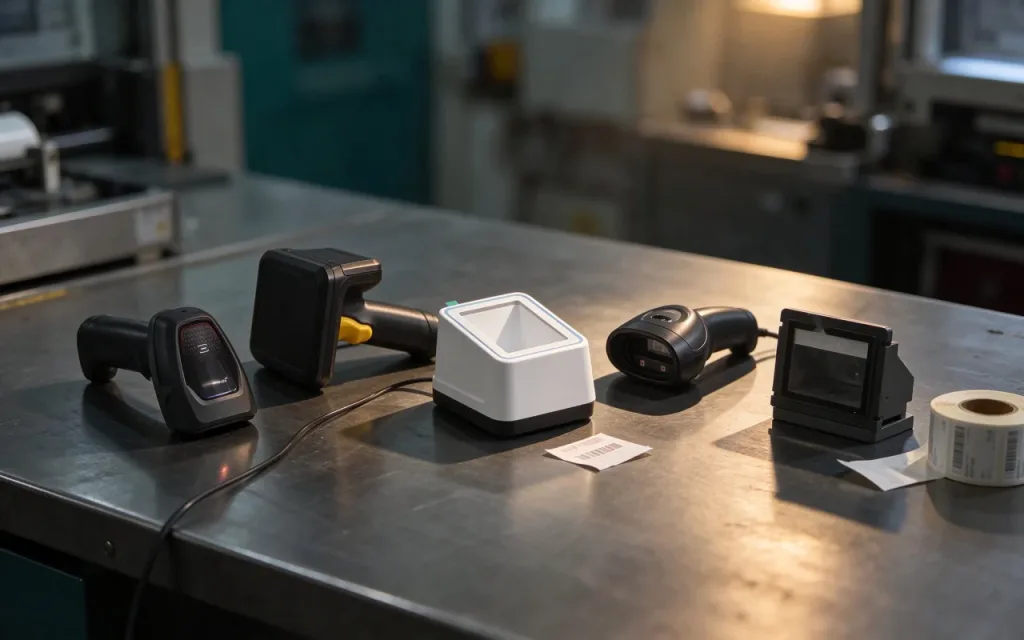
How to Choose a Barcode Scanner
Six practical scanner types compared by code surface, operator movement and working distance - with the questions that decide the model before you buy.